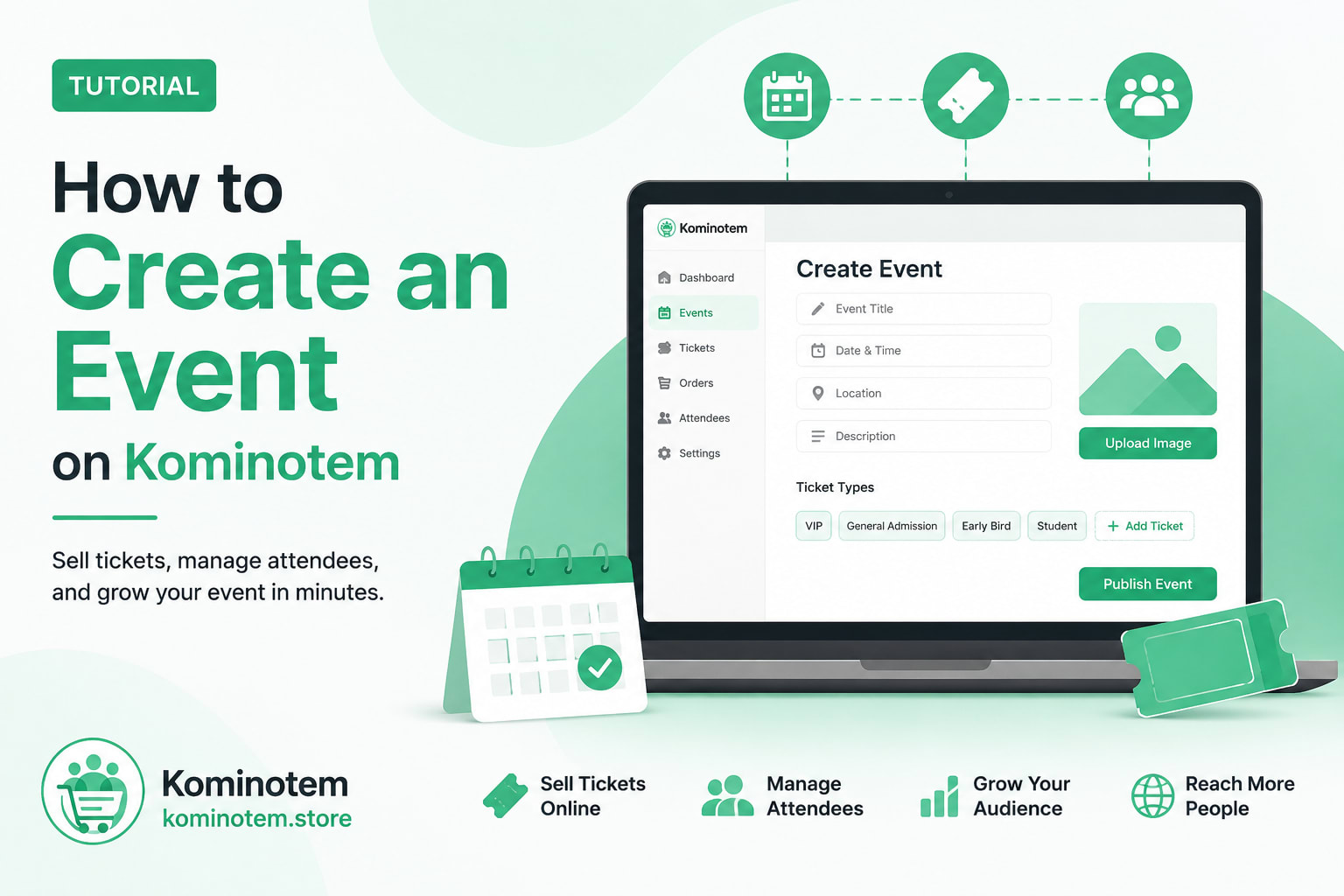
# How to Create an Event on Kominotem
Planning an event should be exciting—not complicated.
Whether you're hosting a concert, conference, workshop, church service, fundraiser, festival, webinar, networking event, sports competition, training session, exhibition, or private celebration, Kominotem gives you everything you need to create your event and sell tickets online.
The entire process takes only a few minutes.
---
## Who Can Create Events?
Anyone can create an event on Kominotem, including:
- Businesses
- Entrepreneurs
- Churches
- Nonprofit organizations
- Schools and universities
- Artists
- Musicians
- DJs
- Bands
- Speakers
- Coaches
- Trainers
- Community organizations
- Cultural organizations
- Sports clubs
- Government agencies
- Municipalities
- Hotels
- Restaurants
- Travel agencies
- Wedding planners
- Event organizers
- Conference organizers
- Festival organizers
- Charity organizations
- Healthcare organizations
- Real estate companies
- Individuals planning public or private events
If people can attend your event, you can publish it on Kominotem.
---
# Before You Begin
Visit:
https://kominotem.store
Log in using the **same email address and password** you use on **Kominotem.com**.
You do not need to create another account.
After logging in, select **Create Event**.
---
# Step 1 — Basic Information
Start by entering the essential information about your event.
Fill in:
- Event title
- Subtitle
- Short description
- Full description
- Category
- Subcategory
- Tags
A clear title and description help attendees discover your event more easily.
---
# Step 2 — Date & Location
Tell attendees when and where your event will take place.
Provide:
- Start date and time
- End date and time
- Time zone
- Venue type
- Venue name
- Address
- City
- State or Province
- Country
- Postal Code
Whether your event is local or international, these details help attendees find your event.
---
# Step 3 — Organizer Information
Introduce yourself to your attendees.
Add:
- Organizer name
- Email address
- Phone number
- Website
- Organizer description
Professional organizer information increases trust and credibility.
---
# Step 4 — Upload Media
Add attractive visuals to promote your event.
You can upload:
- Main cover image
- Banner image
- Organizer logo
- Gallery images
- YouTube promotional video
Great visuals help increase registrations and ticket sales.
---
# Step 5 — Configure Ticketing
Set up your event tickets.
Configure:
- Maximum attendee capacity
- Currency
- Ticket sale start date
- Ticket sale end date
- Base price
- Minimum price
- Maximum price
- Early Bird price
- Early Bird deadline
You can also create multiple ticket types such as:
- VIP
- General Admission
- Early Bird
- Student
- Child
- Family
- Premium
- Donation
- Free Registration
This allows you to offer flexible pricing for different audiences.
---
# Step 6 — Event Policies
Set the rules for your event.
Configure:
- Age restrictions
- Refund policy
- Cancellation policy
- Terms and Conditions
You can also choose whether the event:
- Requires approval
- Is private
- Is featured
These options give you complete control over how your event is managed.
---
# Step 7 — Review & Publish
Before publishing, Kominotem displays a complete preview of your event.
Review everything carefully, including:
- Event information
- Schedule
- Venue
- Organizer details
- Images
- Ticket information
- Event policies
If everything looks correct, simply click **Create Event**.
Your event is now live and ready to receive registrations and ticket purchases.
---
# Why Create Events on Kominotem?
Kominotem helps organizers:
- Create professional event pages
- Sell tickets online
- Offer multiple ticket categories
- Manage attendees
- Promote free or paid events
- Share events across social media
- Reach customers in Haiti and internationally
- Manage everything from one dashboard
Whether you're organizing your first workshop or a large international conference, Kominotem gives you the tools you need to manage your event professionally.
Tutorials
How to Create an Event on Kominotem: Sell Tickets and Manage Your Event in Minutes
Learn how to create and publish an event on Kominotem in just a few minutes. Whether you're organizing a concert, conference, church event, fundraiser, workshop, festival, webinar, sports competition, or private gathering, this guide walks you through every step—from creating your event to selling tickets online.
August 4, 2026By ADMIN Kominotem